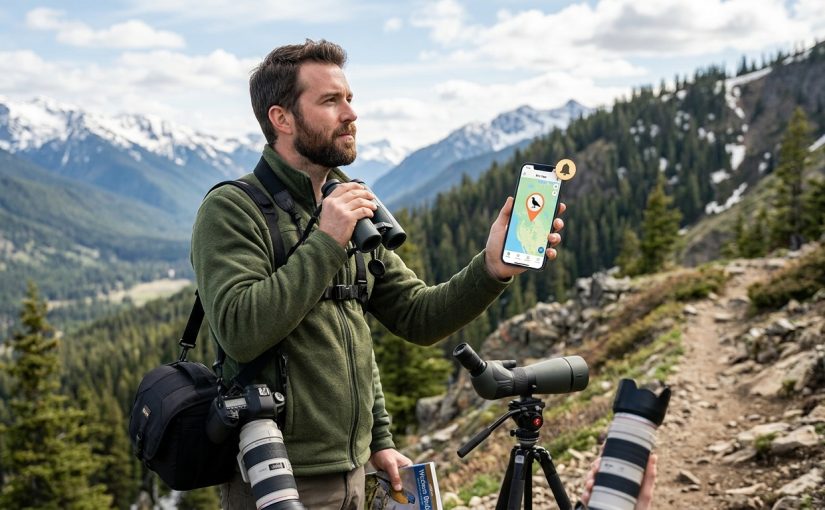
You’re standing in a parking lot at dawn, coffee in hand, wondering if that vagrant warbler reported yesterday is still around. You need accurate, timely information, not outdated sightings from three days ago. The right app can mean the difference between adding a life bird to your list and wasting an entire morning chasing ghosts.
The best rare bird alert apps combine real-time reporting, verified sightings, and active communities. eBird leads for comprehensive data and global coverage, while regional platforms like BirdGuides excel in specific areas. Success depends on choosing apps that match your birding style, notification preferences, and geographic focus. Most serious birders use two or three apps simultaneously to maximize rare bird opportunities.
Why Most Birders Use Multiple Alert Systems
No single app dominates every aspect of rare bird alerts. Some excel at verification speed. Others offer better filtering options. A few shine in specific regions but fall flat elsewhere.
Professional bird photographers often run three apps at once. They cross-reference alerts to confirm legitimacy before driving hours to a location. This multi-app strategy reduces false alarms and increases success rates.
The learning curve varies dramatically. Some platforms require weeks to understand their notification systems. Others work intuitively from day one.
Breaking Down the Top Platforms
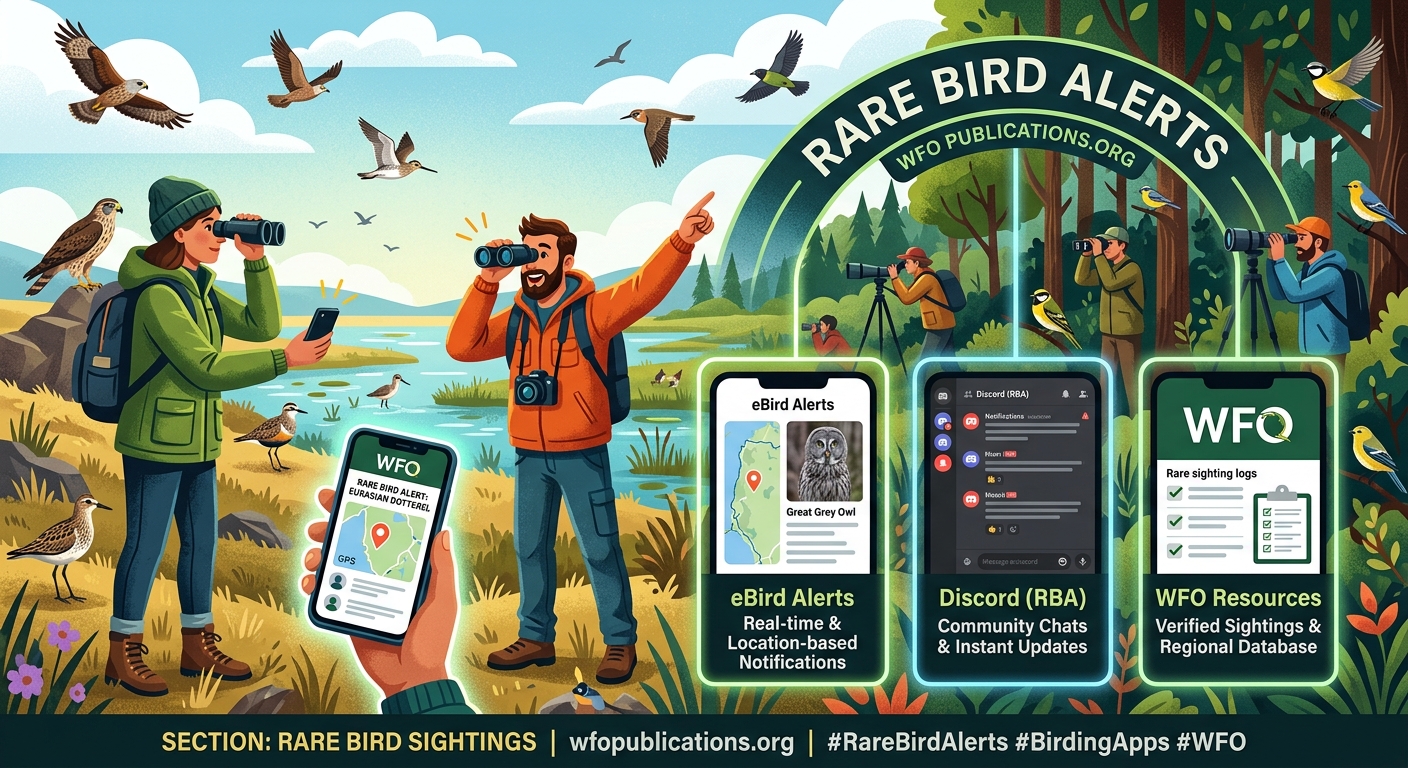
eBird Mobile and Alerts
eBird processes millions of observations annually. The platform’s strength lies in its massive user base and rigorous data validation.
Alerts arrive based on your customized filters. You can set geographic boundaries, target specific species, or receive notifications for any unusual sighting in your county. The system learns from your preferences over time.
Strengths:
– Global coverage with detailed location data
– Integration with Cornell Lab of Ornithology databases
– Historical sighting patterns help predict rare bird movements
– Free to use with no premium tiers
Limitations:
– Alerts can lag by 30 minutes to several hours
– Requires manual filter setup for optimal results
– Notification volume can overwhelm new users
The verification process means you’re less likely to chase misidentified birds. Reviewers flag questionable sightings before they trigger widespread alerts. This quality control saves time but introduces delay.
BirdGuides for European Birders
BirdGuides dominates the UK and European rare bird scene. The app’s strength comes from its dedicated network of contributors who report sightings within minutes.
Paid subscriptions unlock premium features like instant notifications and detailed site guides. The investment pays off for serious listers who need real-time information.
The community aspect sets BirdGuides apart. Users share photos, field notes, and access directions. You’ll find parking coordinates and optimal viewing times for most reported rarities.
Audubon Bird Guide
The Audubon app focuses on education alongside alerts. You get identification tools, range maps, and conservation status information in one package.
Alerts connect to eBird data but present information in a more accessible format. New birders appreciate the simplified interface. The trade-off is fewer customization options compared to eBird’s native app.
The built-in field guide helps confirm identifications when you arrive at a location. You can compare your observations against recorded calls and detailed photos.
Regional Platforms That Punch Above Their Weight
State and provincial birding associations often maintain their own alert systems. These regional networks frequently beat national platforms for speed and accuracy within their coverage areas.
Texas birders swear by TexBirds. California has its own robust listserv system. Ontario birders rely on the Ontario Field Ornithologists network. These platforms combine email alerts with social media groups for redundancy.
The downside is managing multiple accounts and notification streams. You’ll need discipline to avoid alert fatigue.
Setting Up Your Alert Strategy
Getting useful notifications without drowning in noise requires deliberate configuration. Here’s how experienced birders structure their systems:
- Start with one primary app and learn its features thoroughly before adding others.
- Define your geographic radius realistically based on how far you’re willing to travel.
- Create species-specific alerts for your most wanted birds rather than enabling all rare bird notifications.
- Test your settings for one week and adjust based on signal-to-noise ratio.
- Schedule notification quiet hours during work or sleep times to maintain sanity.
Most apps allow multiple alert profiles. Create one for weekend birding trips with a wider radius and another for weekday lunch breaks focused on nearby patches.
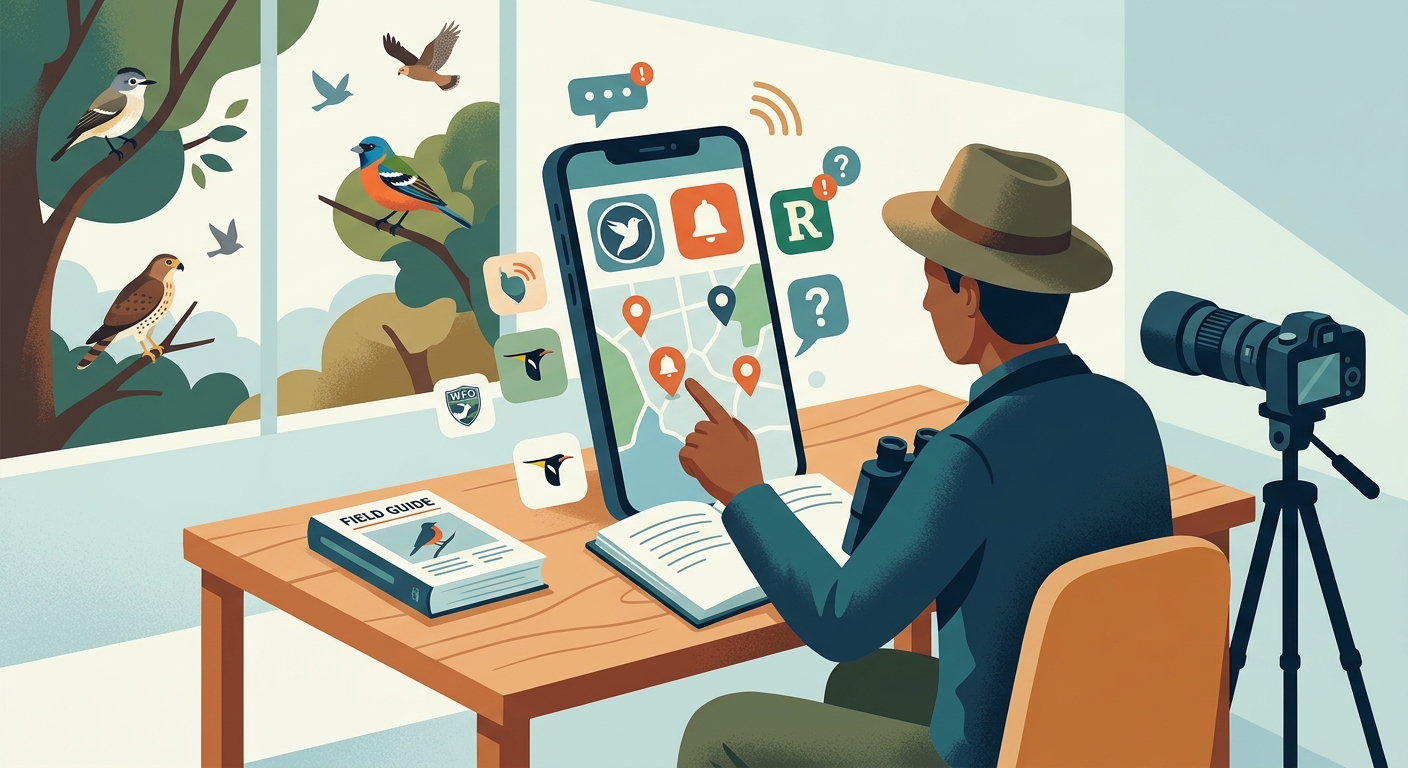
Comparing Features Side by Side
| Feature | eBird | BirdGuides | Audubon | Regional Networks |
|---|---|---|---|---|
| Alert Speed | Moderate | Fast | Moderate | Very Fast |
| Geographic Coverage | Global | Europe-focused | North America | Limited Area |
| Verification Process | Rigorous | Community-based | Moderate | Varies |
| Cost | Free | Freemium | Free | Usually Free |
| Customization | Extensive | Good | Basic | Varies |
| Photo Sharing | Limited | Excellent | Good | Platform-dependent |
The table reveals why birders mix platforms. eBird provides the foundation. Regional networks add speed. BirdGuides fills gaps for international travel.
Understanding Alert Accuracy and Timing
Not all rare bird alerts lead to successful sightings. Several factors determine whether you’ll connect with a reported bird.
Species behavior matters. Shorebirds often stick around for days. Warblers might disappear in hours. Raptors can cover miles between morning and afternoon. Understanding these patterns helps you prioritize which alerts deserve immediate action.
Time stamps tell the story. An alert posted at 7 AM about a bird seen at 6 AM offers better odds than one posted at noon about a morning sighting. Some apps display both observation time and reporting time. This distinction is critical.
Location precision varies. Coordinates accurate to a specific tree beat vague descriptions of large parks. Apps that allow detailed location pins save hours of searching.
The best alert in the world is worthless if you can’t act on it within the bird’s typical stay duration. Know your target species’ behavior patterns and adjust your response time accordingly. A rare gull might linger for weeks, but a vagrant flycatcher could vanish by afternoon.
Notification Management for Sanity
Alert fatigue is real. Birders who enable every notification often burn out and disable alerts entirely, missing genuinely rare opportunities.
Priority tiers work better than all-or-nothing approaches. Set immediate notifications for your top 10 target species. Use daily digest emails for interesting but not critical sightings. Reserve push notifications for birds within 30 minutes of your location.
Seasonal adjustments prevent overload. Migration periods generate exponentially more alerts. Tighten your filters during spring and fall. Expand them during slower winter months when any unusual bird deserves attention.
Shared accounts create redundancy. Birding partners can split monitoring duties. One person tracks morning alerts while another checks afternoon updates. This partnership approach reduces individual stress while maintaining coverage.
Mobile Data and Battery Considerations
Running multiple birding apps simultaneously drains batteries and burns through data plans. Field-tested strategies help manage these practical constraints.
- Download offline maps before leaving home to reduce data usage
- Carry external battery packs rated for at least two full phone charges
- Disable background refresh for non-essential apps while birding
- Use airplane mode between alert checks to preserve battery life
- Screenshot important alerts in case you lose signal at remote locations
Some birders carry a dedicated device just for birding apps. An older smartphone on WiFi-only mode can receive alerts at home, saving your primary phone’s battery for field use.
Community Dynamics and Reporting Etiquette
The quality of any alert system depends on its contributors. Understanding community norms helps you become a valuable member rather than a passive consumer.
Report your own sightings promptly. The system only works when birders share information. Even common species reports help establish baseline data that makes rare bird alerts more meaningful.
Include helpful details beyond species identification. Describe the bird’s location within a site, its behavior, and any field marks that aided identification. These details help others confirm the sighting.
Update alerts when birds disappear. A “bird not found” report saves others wasted trips. This negative information is nearly as valuable as the initial alert.
Respect private property and sensitive locations. Some rare birds appear on private land or in areas where crowds cause problems. Follow any access restrictions mentioned in alerts.
Advanced Filtering Techniques
Power users extract more value from alert systems through sophisticated filtering. These techniques require initial setup time but pay dividends throughout the birding season.
Rarity filters based on regional frequency. Most apps let you define what qualifies as rare for your area. A bird common in Texas but unusual in Maine can trigger alerts only in Maine.
Date range targeting for migrants. Set alerts for specific species only during their expected migration windows. This reduces off-season noise from misidentifications.
Combined location and species filters. Create alerts for particular species only at specific hotspots known to attract them. A coastal vagrant alert makes sense for beachfront locations but not inland parks.
Alert chaining across apps. Use IFTTT or similar automation tools to forward alerts from one platform to another, creating a unified notification stream.
Photography-Specific Considerations
Bird photographers need different information than listers. Alerts should include details about lighting conditions, bird behavior, and access restrictions.
Some photographers ignore alerts entirely during harsh midday light, focusing on morning and evening reports. Others prioritize alerts for birds showing approachable behavior over simply rare species.
Look for these photography-friendly details in alerts:
– Distance to the bird and whether it’s approachable
– Background quality and shooting angles
– Crowd size and whether space exists for tripods
– Perch preferences that might indicate future behavior
– Time of day when the bird showed best activity
Regional photography groups often maintain separate alert channels focused on photo opportunities rather than pure rarity. These specialized networks can be worth joining if image quality matters more than list building.
International Travel and Alert Apps
Birding trips outside your home region require alert strategy adjustments. Different countries and continents have dominant platforms that may not match your familiar tools.
Research local apps before traveling. Download them weeks in advance to learn their interfaces. Join regional social media groups where birders share real-time information that might not appear in formal alert systems.
Pre-trip alert setup checklist:
– Identify the dominant platform for your destination
– Create location-based alerts for your travel dates
– Join local birding Facebook groups or WhatsApp channels
– Download offline maps and field guides
– Set up temporary notification profiles for the travel period
– Exchange contact information with local birders who can provide ground truth
Language barriers complicate international alerts. Translation apps help, but scientific names provide a universal language. Focus on species names in alerts even if surrounding text is unclear.
Troubleshooting Common Alert Problems
Even experienced birders encounter alert system issues. Recognizing and fixing these problems quickly prevents missed opportunities.
Delayed notifications often result from app background restrictions. Check your phone’s battery optimization settings and allow birding apps to run unrestricted. Some Android manufacturers aggressively limit background processes, killing apps that should deliver notifications.
Missing alerts might indicate filter problems rather than technical issues. Review your geographic boundaries and species selections. An overly restrictive filter can silence important sightings.
Duplicate alerts from multiple apps become overwhelming. Consider disabling notifications from secondary apps and checking them manually once or twice daily. Reserve push notifications for your primary platform only.
False alerts from misidentifications decrease when you favor platforms with verification processes. Report obvious errors to help moderators improve data quality for everyone.
Balancing Alerts with Independent Birding
Alert-chasing can overshadow the simple pleasure of finding your own birds. The most fulfilled birders balance responsive alert-chasing with exploratory birding sessions.
Dedicate some outings to alert-free birding. Leave your phone in the car or enable do-not-disturb mode. The birds you find independently often feel more rewarding than those delivered via notification.
This balance also improves your field skills. Relying exclusively on alerts atrophies your ability to find and identify birds without technological assistance. Regular practice maintains the observational skills that make birding satisfying beyond list-building.
Making Alerts Work for Your Birding Style
Your ideal alert configuration depends on personal priorities, available time, and geographic situation.
Weekend warriors benefit from Friday evening alert reviews that inform Saturday morning plans. Enable notifications only for exceptional rarities that justify spontaneous trips.
Daily local birders need tighter geographic filters and more frequent notifications. A 15-minute radius with hourly checks matches the ability to make lunch-break birding runs.
Traveling birders should master temporary alert profiles that activate for specific trips, then deactivate automatically. This prevents irrelevant notifications from distant locations after returning home.
Photographers prioritize behavior and access details over pure rarity. Seek out specialized photography alert channels that include this information.
The best rare bird alert apps serve your birding goals rather than dictating them. Start with one platform, learn its strengths, then add others strategically. Your phone should enhance birding experiences, not replace the fundamental joy of watching birds.
Test different configurations until notifications feel helpful rather than intrusive. The right setup means you’re birding more effectively, not just staring at your phone more often. When alerts consistently lead you to memorable bird encounters, you’ve found your optimal system.